
Developer Diary #8: How Mods Join the Game
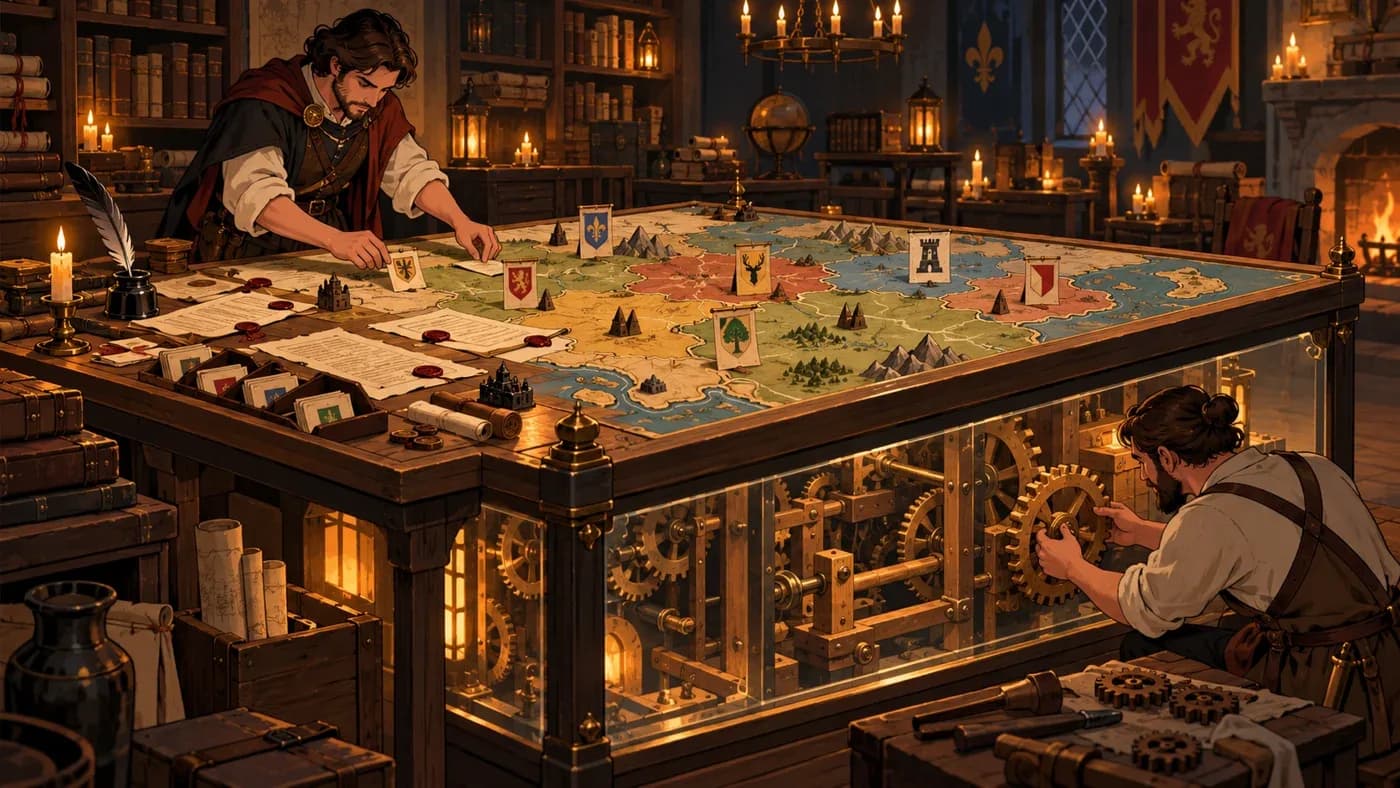
In short: MKA Engine mods can add content, rules, and new behavior to a game. A portable mod is an add-on the engine runs in a separate execution environment. We also explain one case where such a mod errors during a game step, is stopped, and is named in the report.
What new risks come with mod freedom?
A strategy-game mod may add an event or a new look; some mods also change the rules or recurring behavior of the game. That freedom brings the possibility of changing the same part of a content item as another mod or disrupting play with invalid input. So we need to answer not only “what can mods add?” but also how changes are ordered and which part is affected when something goes wrong.
Content, rules, and portable behavior
MKA Engine gives mods three kinds of contribution. The first is adding events, decisions, and other game content, or changing an existing content item in full or in part. Mods are applied in a defined order. If two mods change the same part of the same content item, the engine reports a conflict; the later change in load order takes effect. Partial changes to different parts do not automatically conflict.
The second kind is game rules. A condition can determine when an event becomes available, and an effect can change what a decision does in the world. The rule language behind this approach is the subject of Diary #5.
For broader behavior, MKA Engine can run portable mods in the game world. Such a mod can define new game data and behaviors that run as the world advances. The engine limits which data the mod can access and under what conditions; each behavior stays within boundaries the game makes available.
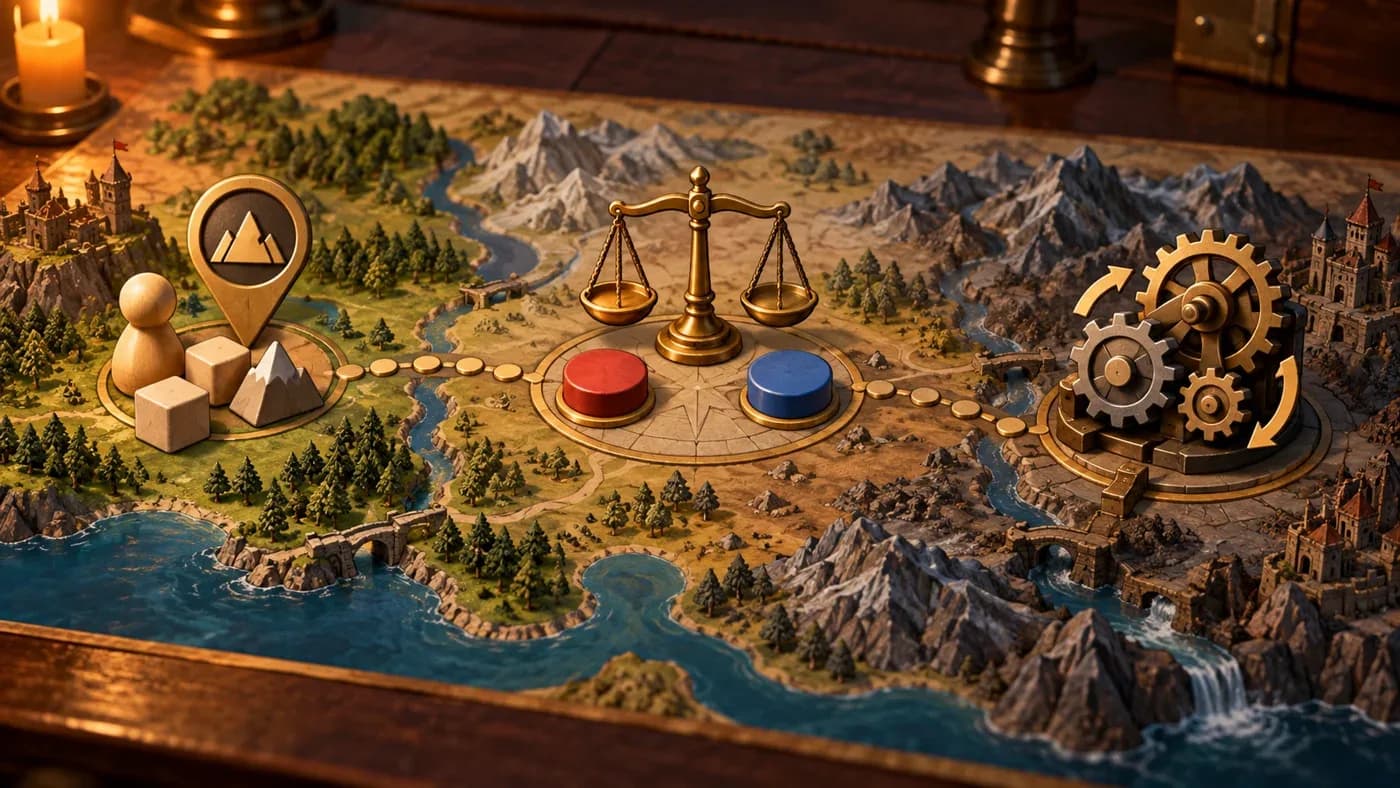
How are conflicts separated from step faults?
Content conflicts between mods are different from a portable-mod error during a game step. When two mods change the same part of a content item, the engine reports which change takes effect. In this example of a game-step error, the mod is stopped, and the report includes its name and the step's normal output.
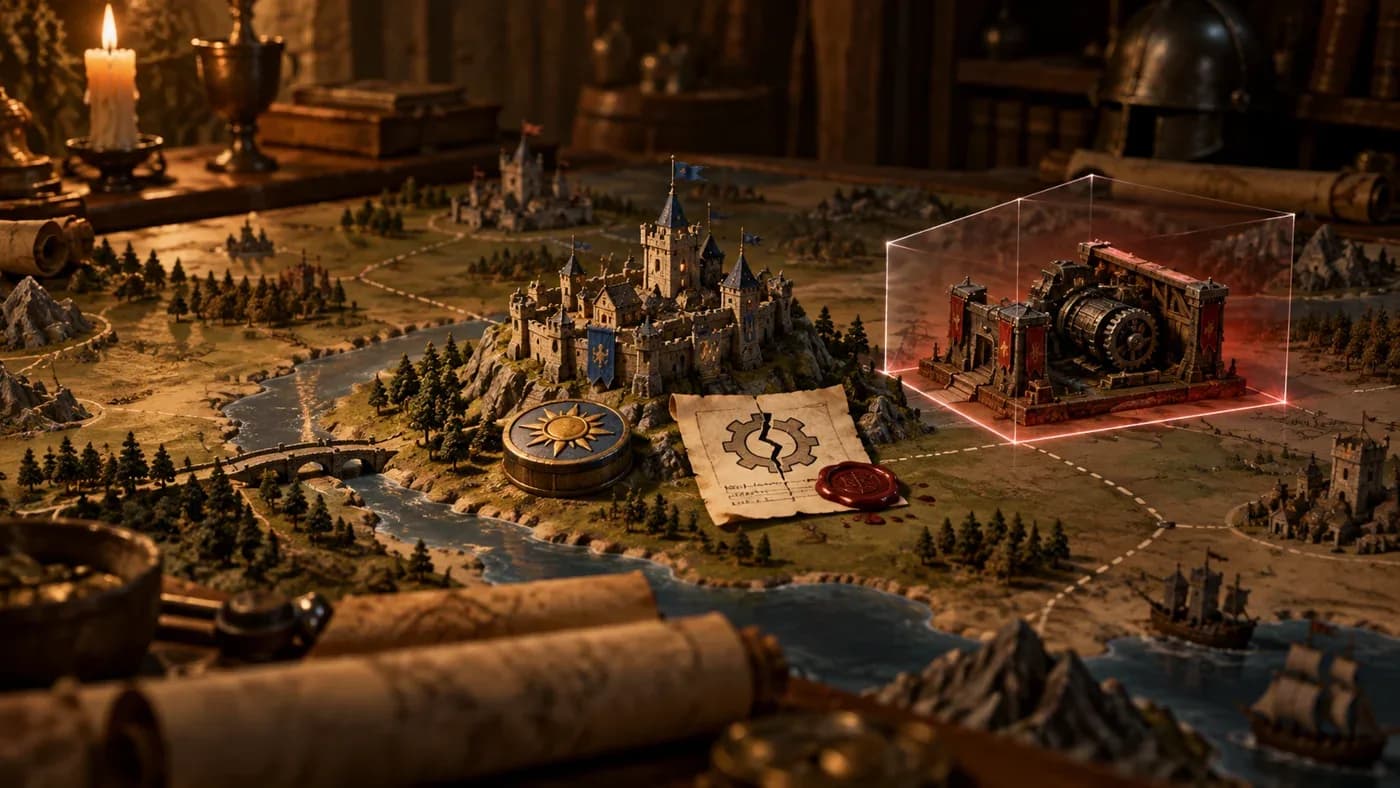
This example is limited to this game-step error path.
In multiplayer, every computer needs to run with the same mod list; otherwise the same commands can produce different worlds. A save file also records which mods were used. By default, loading is refused when the saved and loaded mod lists differ. There is a separate way to allow loading with a warning; it does not guarantee that different mod sets will produce the same result. We discussed this consistency requirement in Diary #2.
Supporting mods while limiting their effects
Mods can expand a game world without receiving unlimited access to it. Making content conflicts visible also tells mod authors which change took effect.
How a mod error affects the player
When a mod stops, the player may no longer benefit from a behavior it added.
The scope of mod support
This diary focuses on mods' content and behavior contributions; it is neither a complete mod-making guide nor a performance measurement.
Frequently asked questions
Can a mod change every part of the game?
No. A mod works within the data and behavior that the engine and game make available to it.
Which mod changes count as a conflict?
A conflict is reported when two mods change the same part of the same content item; the later change in load order takes effect. Partial changes to different parts do not automatically conflict.
What happens if a portable mod errors during a game step?
In the example shown here, a mod that errors during a game step is stopped; the report includes its name and the step's normal output. This answer is limited to that case.
Can a save be opened with a different mod list?
By default, a mismatch is refused. There is a separate option that allows loading with a warning; that option does not guarantee matching worlds.
Sources and links
- MKA Engine's modding and multiplayer-consistency guides.
- How Strategy Game Rules Are Written — Diary #5
- Multiplayer and Consistency — Diary #2
- MKA Engine and developer diaries